Make vs Zapier vs Custom AI: Which Automation Tool Is Right for You?

The Three Main Paths to Automation
When businesses start thinking seriously about automation, they quickly encounter a choice: use an off-the-shelf platform like Zapier or Make, or invest in custom-built automation. The right answer depends heavily on your specific situation — and getting it wrong is expensive either way.
This guide gives you an honest assessment of all three options so you can make an informed decision.
Zapier: The Accessible Starting Point
Zapier is the most widely used automation platform in the world, and for good reason — it's accessible to non-technical users, has an enormous library of pre-built integrations (6,000+ apps), and can get simple automations running in minutes.
Where Zapier Excels
- Simple two- or three-step automations between popular apps
- Quick experimentation without technical knowledge
- Businesses with straightforward, low-volume automation needs
- Teams that want to manage their own automations without developer involvement
Where Zapier Falls Short
- Complex, multi-step workflows with conditional logic quickly become unwieldy
- Pricing scales aggressively with task volume — can become expensive fast
- Error handling is limited — when a Zap fails, it often fails silently
- Debugging complex Zaps is difficult without technical knowledge
- Custom API integrations require paid plans and technical setup
Typical Cost
Zapier's free tier is very limited (100 tasks/month, two-step Zaps only). Professional plans start at around £49/month and scale to £299+/month for high-volume users.
Make (Formerly Integromat): More Power, More Complexity
Make offers significantly more capability than Zapier — more complex logic, better error handling, higher task volumes at lower cost, and a visual workflow builder that makes complex automations comprehensible. It's the preferred platform for automation professionals and technically inclined business users.
Where Make Excels
- Complex, multi-step workflows with branching logic
- High-volume automations where Zapier pricing becomes prohibitive
- Teams that want more visibility and control over their automation logic
- Projects that involve data transformation and manipulation
- Businesses that want to build seriously robust automation without full custom development
Where Make Falls Short
- Steeper learning curve than Zapier — not beginner-friendly
- Still limited for very complex custom logic that doesn't fit the visual builder paradigm
- Vendor lock-in: your workflows live in Make and aren't easily portable
- AI capabilities are improving but still relatively limited compared to custom builds
Typical Cost
Make is significantly more affordable than Zapier at scale. Plans start at around £9/month, with professional plans at £29–£99/month handling most SME use cases.
Custom AI Automation: Maximum Power, Higher Investment
Custom automation — built using code, APIs, and AI models rather than a visual platform — offers capabilities that no off-the-shelf tool can match. It's the right choice when your requirements are complex enough that platform tools can't handle them reliably.
Where Custom Automation Excels
- Complex business logic that doesn't fit platform paradigms
- Deep AI integration — document processing, natural language understanding, intelligent routing
- High-volume, business-critical processes where reliability and performance matter
- Processes involving proprietary or legacy systems without standard APIs
- Situations where vendor lock-in is a genuine concern
- Complete control over error handling, logging, and monitoring
Where Custom Automation Falls Short
- Higher upfront build cost
- Requires ongoing technical maintenance
- Longer time to initial deployment
How to Choose: A Decision Framework
Here's a simple framework for deciding which path is right for your situation:
- Start with Zapier if you're new to automation, have simple needs, and want to experiment without a large investment. Expect to outgrow it.
- Invest in Make if you have moderately complex workflows, want more control than Zapier offers, and have a technically capable person to manage the system.
- Go custom if your processes involve AI decision-making, your requirements are complex enough to strain platform tools, you have high transaction volumes, or reliability is business-critical.
In practice, many businesses use a combination: Make or n8n for straightforward workflow orchestration, with custom AI components for the parts that require genuine intelligence.
The Hybrid Approach
At Automation Agency AI, we often build hybrid systems — using Make or n8n as the workflow backbone (which is cost-effective and reliable) and integrating custom AI components via API for the intelligent parts. This gives you most of the power of custom development at a lower cost, while avoiding the maintenance overhead of building a full bespoke workflow platform.
If you'd like help thinking through which approach makes sense for your specific situation, we're happy to talk it through in a free consultation — no obligation to go further.
 Agentic Workflow Automation
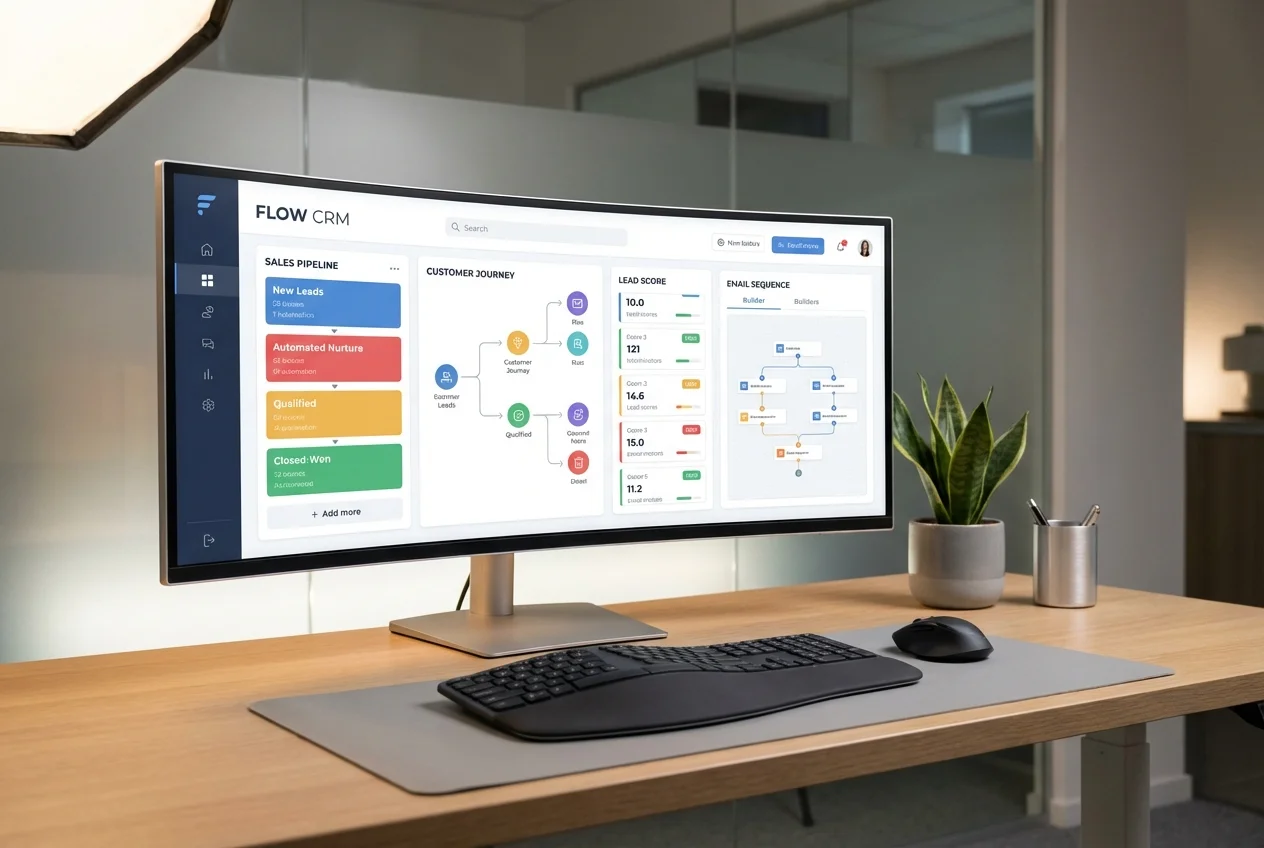 Sales & CRM Agents
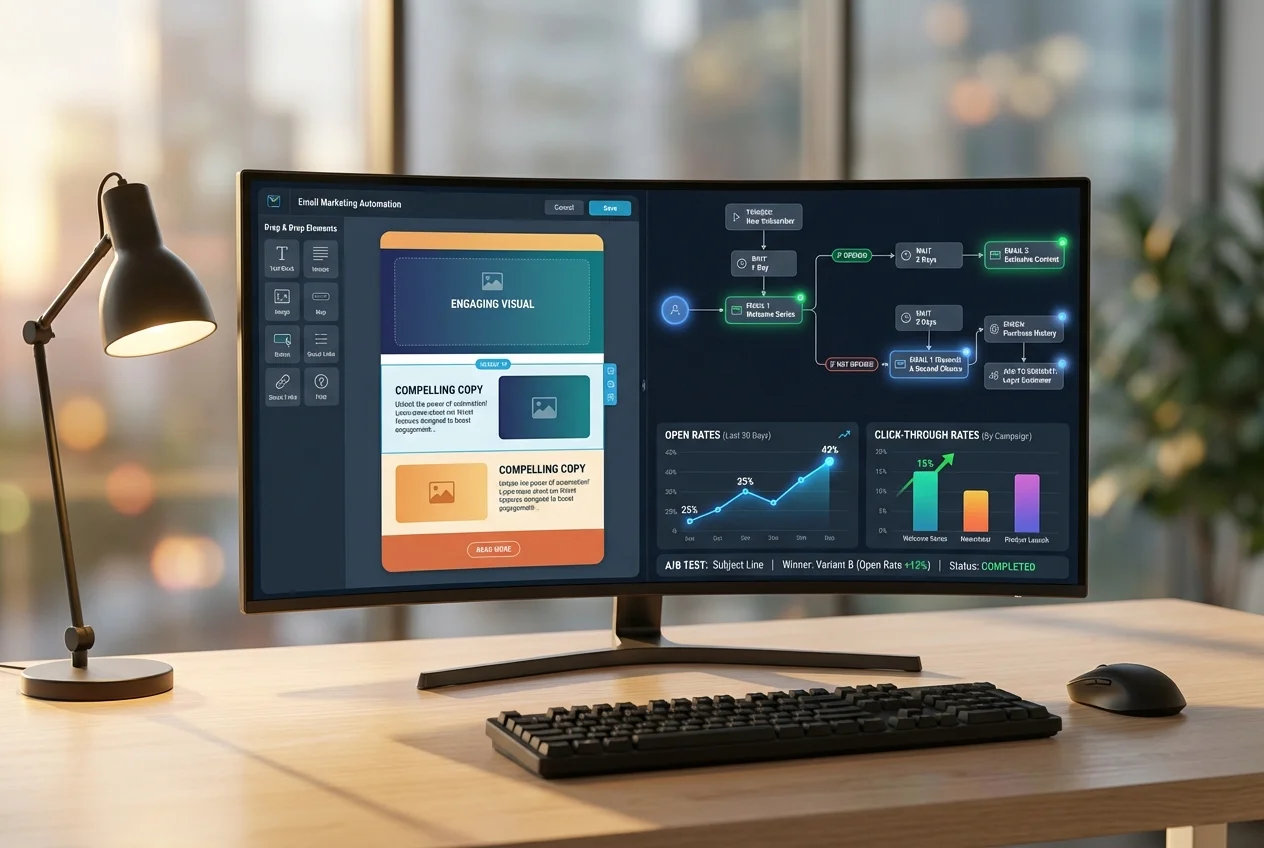 Lifecycle & Outreach Agents